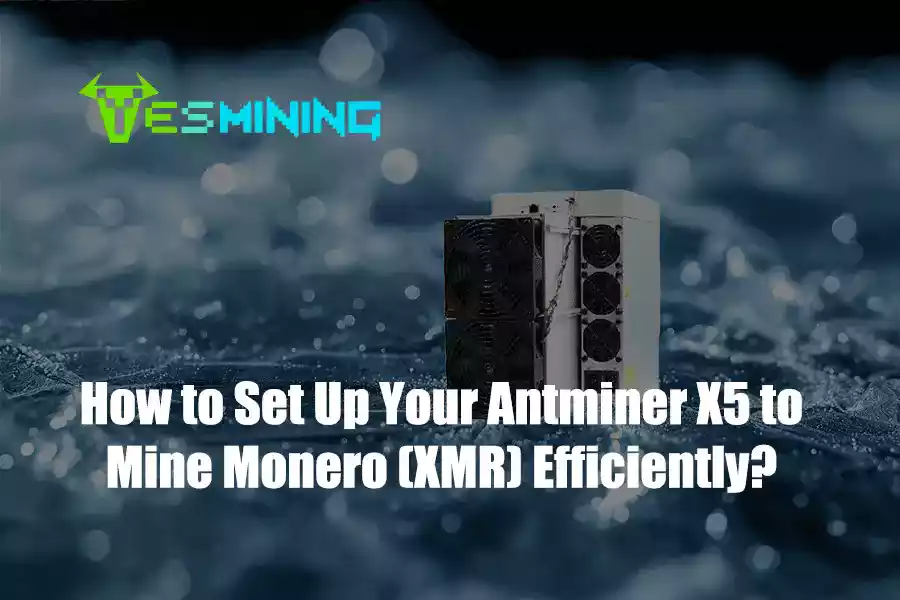
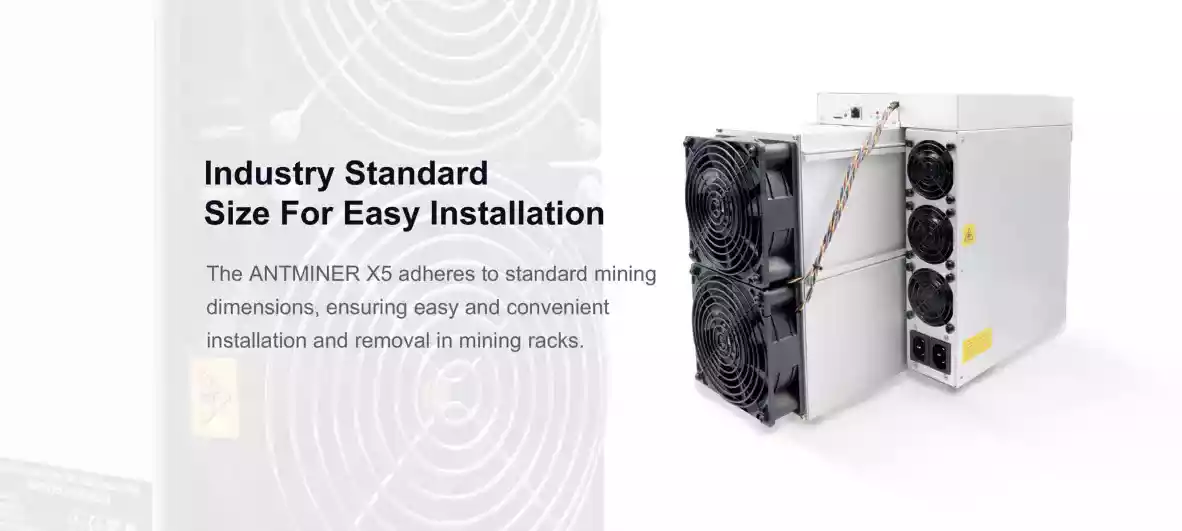
Модель Antminer X5 (212Kh/s, 1350W) is one of the most advanced and stable miners designed for Monero (XMR) mining using the RandomX algorithm. As Bitmain’s flagship XMR ASIC miner, the X5 offers exceptional energy efficiency, robust design, and enterprise-grade stability—making it the preferred choice for miners who want long-term, reliable performance.
This guide provides a complete step-by-step setup tutorial, ensuring even first-time miners can easily install, configure, and optimize the Antminer X5 for maximum output. To help you set up your miner safely and efficiently, every step in this tutorial is based on official technical documentation and verified through hands-on experience.
Official Bitmain product reference: Antminer X5 – Bitmain
For customers who want to purchase this miner, you can find it here: Buy Antminer X5 (212Kh/s) – YesMining
Содержание
- Antminer X5 Overview
- What You Need Before Setup
- Unboxing and Physical Installation
- Connecting the Antminer X5 to Your Network
- Accessing the Miner Dashboard
- Configuring Mining Pool Settings
- Recommended XMR Mining Pools
- Power & Performance Optimization
- Troubleshooting & Common Issues
- Long-Term Maintenance Tips
- Why Choose the Antminer X5 for XMR Mining?
- Where to Buy the Antminer X5
1. Antminer X5 Overview
The Antminer X5 is Bitmain’s first ASIC designed specifically for the RandomX algorithm used by Monero. It delivers:
- Хешрейт: 212Kh/s ± 10%
- Энергопотребление: 1350W
- Энергоэффективность: 6.3J/Kh
- Noise Level: 75 дБ
- Network: Ethernet
Compared with CPU/GPU mining, the X5 offers:
- Up to 100x higher efficiency than GPUs
- Far lower power costs
- Stable 24/7 operation
- Simple one-time setup
2. What You Need Before Setup
Before powering on your Antminer X5, prepare the following:
- A stable power supply (1600W+ recommended)
- Ethernet cable and router
- Your chosen mining pool account
- Your XMR wallet address
- Temperature-controlled environment (below 35°C preferred)
Placement tip: Keep your miner in a dust-free, well-ventilated space. Overheating reduces efficiency and lifespan.
3. Unboxing and Physical Installation
In the box you will find:
- 1 × Antminer X5 unit
- Power cable (depending on region)
- User documentation
Physical Installation Steps
- Place the unit on a flat, stable surface.
- Ensure at least 20 cm of space behind the exhaust fan.
- Connect the PSU cable firmly to the miner.
- Do NOT power on the unit yet.
Proper airflow is essential. The X5 uses dual high-pressure fans, so maintaining a clear exhaust path is critical for stable 24/7 operation.
4. Connecting the Antminer X5 to Your Network
- Connect the X5 to your router using an Ethernet cable.
- Turn on the power supply.
- Wait for the miner to boot (about 1 minute).
Your local network should now assign an IP address to the miner.
5. Accessing the Miner Dashboard
Step-by-step:
- Visit: http://finder.bitmain.com OR use your router’s device list.
- Look for a device named Antminer.
- Copy the IP address and paste it into your browser.
- Log in using default credentials:
Username: root
Пароль: root
You are now inside the Antminer X5 control panel.
Inside the dashboard, go to:
Miner Configuration → General Settings
Enter the following:
- Pool URL: (Your mining pool URL)
- Worker Name: YourWalletAddress.WorkerID
- Пароль: x
Example worker format:
48dR3X…YourXMRWalletAddress.X5-01
Click Save & Apply.
The miner will automatically reboot and begin hashing.
7. Recommended XMR Mining Pools
- SupportXMR
- MineXMR (if available)
- Unimining
- MoneroOcean
Choose the pool nearest to your region for the lowest latency.
8. Power & Performance Optimization
To maximize efficiency and stability:
- Keep temperature below 70°C
- Ensure proper ventilation
- Run the miner at factory settings (recommended)
- Use a quality PSU with stable output
The X5 is highly optimized from the factory, and manual overclocking is not recommended.
9. Troubleshooting & Common Issues
Miner not showing up on network
- Restart the router
- Try a different Ethernet cable
- Use Bitmain IP Reporter tool
High temperature warning
- Increase ventilation
- Move the miner to a cooler area
- Clean dust from intake/exhaust
Low hashrate
- Confirm pool URL is correct
- Check power stability
- Check for hardware alarms on dashboard
10. Long-Term Maintenance Tips
- Clean dust every 1–2 months
- Monitor hashrate daily
- Keep power stable and avoid brownouts
- Replace fans if noise increases abnormally
With proper care, the Antminer X5 can operate continuously for many years.
11. Why Choose the Antminer X5 for XMR Mining?
The X5 is currently the most powerful and efficient RandomX miner on the market. Compared with CPU farms and GPU rigs, it offers:
- Massive hashrate advantage
- Lower power cost per hash
- Industry-leading stability
- Simple plug-and-play setup
Its long-term performance and energy efficiency make it one of the best investments in the Monero mining ecosystem.
12. Your Quick Summary & Next Steps
Whether you’ve just gotten your hands on an Antminer X5 and aren’t sure where to start, or you’re considering buying one and doing your research, we hope this start-to-finish guide has given you a clear path forward. If you found the steps helpful, feel free to bookmark this page for easy reference next time you need it.
When you’re ready to start mining, you can find the hardware through the verified supplier link below, trusted by the mining community. Happy mining!
👉 Buy Antminer X5 (212Kh/s) – YesMining
Want to explore more miners?
Visit our full shop:
👉 Browse All Miners – YesMining

 Russian
  English
  Spanish
  French
  German