Setting up an AL BOX miner involves several steps to ensure proper configuration and operation. AL BOX miners are typically used for cryptocurrency mining, particularly for algorithms Blake3. Here’s a basic guide to get you started.
Goldshell has launched a new home and small mining server – AL BOX II. This server supports the Blake3 algorithm, with a maximum computing power of 720Gh/s and a power consumption of only 360W.
Detailed Introduction to Goldshell AL BOX / AL BOX II Alephium Miner.
Packaging and Appearance
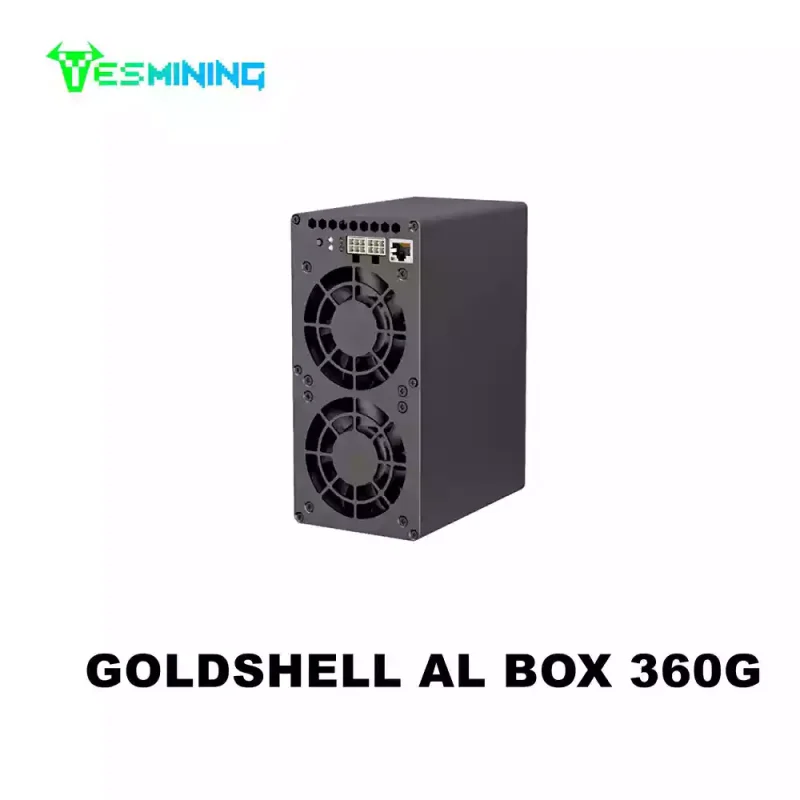
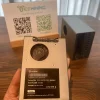
The packaging of Goldshell AL BOX is simple and stable, and the basic information and brand logo of the server is printed on the outer box. After opening the package, use foam material to fix the server to ensure that it is not damaged during transportation. The accessories include a power adapter, broadband cable, and an instruction manual. The server has a simple appearance design and is made of high-quality metal material. The size is 178x150x84mm and the weight is 2000g. Its small size makes this server very suitable for home and small mining environments. There are heat dissipation holes on the front of the fuselage, and a fan on each side to ensure good heat dissipation.
1. High-performance hashrate: With a high hashrate of 360g, it can perform a large number of hash calculations per second, which can be used to mine specific cryptocurrency ALPH, greatly improving mining efficiency.
2. Low power consumption characteristics: The power consumption is relatively low, such as between 140w and 180w. While maintaining strong mining capabilities, it achieves high energy utilization efficiency and saves electricity costs.
3. Silent operation: Taking into full consideration the needs of users who are sensitive to noise, the device can be operated silently while ensuring computing power, providing a quieter use environment.
4. Compact and portable: It is small in size, does not take up space, is easy to carry and place, and has a more refined appearance design. It can be integrated into various scenes such as home and office.
Detailed Guidance to Set up Goldshell AL BOX / AL BOX II
1) Prepare Power Supply
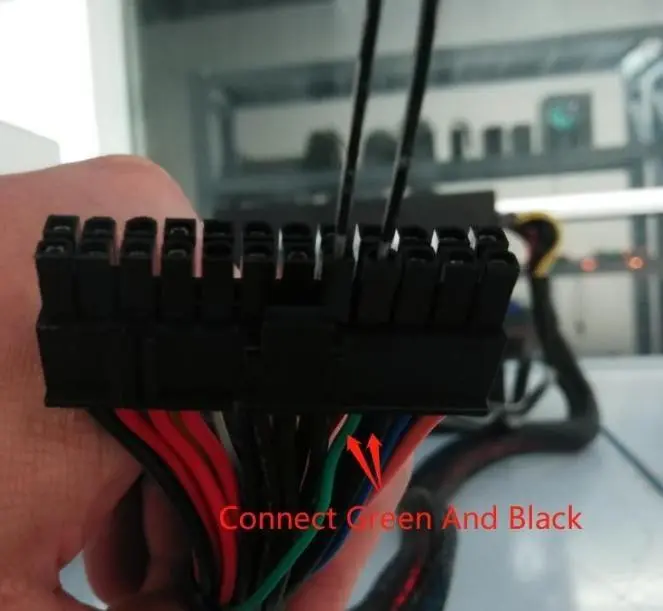
Since Goldshell does not provide a power supply, we need to prepare our power supply. We can use a PC power supply for power supply, but many of our customers reported that there was no response after connecting to the power supply. At this time, many customers will think that the power supply is broken. While the PC power supply provides power to the mining machine, it needs special treatment. We connect the green and black wires as shown in the figure to connect them, so that the power supply can be normal.
2) Connect Internet and PSU & Find the IP Address
When the internet cable and PSU are connected, you can start running the asic miner for now, once the PSU is on, the light will become red. You will need to find the IP address for the AL BOX. You could use this to search your miner’s IP address.
After you get your miner IP address, now is time to log in to your miner. Enter the IP address that you can log in to your miners in the browser.
3)Unlock Miner & Default Setting
Unlock your miner, and setting the default username, please enter “admin”. The password will be “123456789”
4) Mining Pool Setting
Then we go to the Pool setting. Url will be the mining pool address
The miner’s name will be your wallet address for receiving the ALPH coins. The password will be “123”.
5)After you check the mining pool address is updated, now is the time for your mining journey begins!
If you wanna purchase the Miner for AL BOX 360G /AL BOX II 720G Alephium Miner, please click the link and contact us.

 English
  Russian
  Spanish
  French
  German