Table of Contents
- Introduction
- What Is Overclocking?
- What Is Underclocking?
- How They Affect Miner Performance
- Cooling Solutions for Overclocked Miners
- Energy Efficiency and ROI
- Risks and Hardware Safety
- Best Practices for Clock Optimization
- Where to Buy and Recommended Products
- Conclusion
Introduction
In the competitive world of cryptocurrency mining, performance optimization plays a critical role in profitability.
Two methods miners frequently use to fine-tune their hardware are overclocking and underclocking.
These adjustments directly affect hash rate, energy efficiency, and equipment longevity — making them essential concepts for both professionals and hobbyists.
This guide explores how clock adjustments impact your mining operation, supported by practical recommendations and industry-approved cooling systems from
YesMining and Coolmute.
What Is Overclocking?
Overclocking means running your miner’s chips at higher clock speeds than their factory default to achieve greater performance.
In mining terms, it increases your hash rate — the number of calculations your device completes per second.
For instance, an Antminer S19 Pro that normally runs at 110 TH/s can be overclocked to 145 TH/s or more.
However, the extra performance demands more electrical power and generates additional heat, which can affect component stability if not properly managed.
Advanced users use custom firmware or manufacturer-provided performance modes to find the “sweet spot” between power and efficiency.
But as with any performance enhancement, heat management becomes the deciding factor.
What Is Underclocking?
Underclocking, on the other hand, reduces the clock frequency and voltage supplied to the chips.
While this decreases hash rate slightly, it significantly improves power efficiency and reduces heat output.
Many miners use underclocking during bearish market cycles or when electricity prices are high.
The reduced energy draw can extend PSU life, minimize fan wear, and lower operational noise — all of which contribute to longer, more sustainable mining operations.
The effects of overclocking and underclocking depend on how your miner balances performance, power, and temperature.
Here’s how they generally compare:
- Overclocking: Boosts hash rate but increases power draw and chip temperature. Efficiency may decrease beyond certain thresholds.
- Underclocking: Reduces hash rate slightly but offers better J/TH (Joules per Terahash) efficiency and quieter operation.
The optimal configuration depends on your profitability goals, local electricity costs, and cooling capacity.
For professional operations, testing both modes under real conditions provides the best insights into sustainable performance.
Cooling Solutions for Overclocked Miners
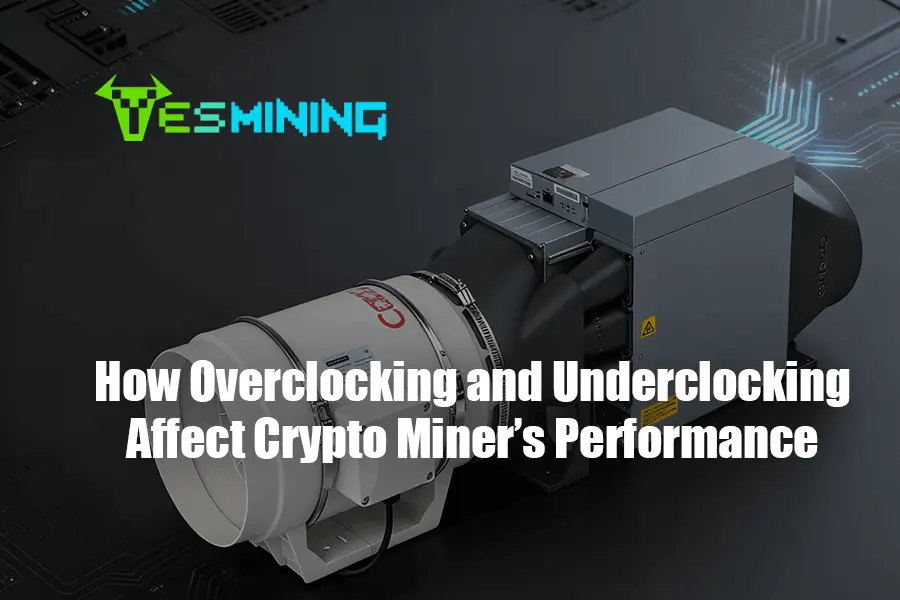
Overclocking generates excess heat — and without proper cooling, even the best ASICs can throttle or fail prematurely.
That’s where specialized air-cooling systems like the Coolmute Silent Cooling Kits come in.
Both kits are also available via YesMining’s official store:
By using professional-grade cooling, miners can safely push performance limits without compromising equipment lifespan or safety.
Energy Efficiency and ROI
The power efficiency of a miner — measured in Joules per Terahash (J/TH) — directly affects profitability.
While overclocking may produce more hashes, it also increases energy costs disproportionately.
Underclocking can, therefore, be more profitable in regions where electricity rates are high.
Smart miners calculate ROI not only based on daily earnings but also on long-term operating costs, hardware wear, and cooling expenses.
Optimizing for efficiency often yields more sustainable profits than raw performance alone.
Risks and Hardware Safety
Improper overclocking can lead to excessive voltage, unstable operation, or thermal runaway — potentially damaging chips and power supplies.
Likewise, aggressive underclocking may cause firmware instability if voltage thresholds are too low.
To mitigate these risks, miners should:
- Use verified firmware from trusted sources.
- Monitor temperature and hash rate continuously.
- Implement high-quality cooling such as Coolmute’s silent kits.
- Regularly clean air filters and fans to maintain airflow.
Best Practices for Clock Optimization
- Increase or decrease clock speeds gradually, testing stability at each step.
- Track energy consumption versus hash rate to identify efficiency peaks.
- Keep miner ambient temperature below 30°C for consistent results.
- Ensure stable power delivery from certified PSUs.
- Use reliable cooling systems to maintain chip temperatures under 80°C.
Where to Buy and Recommended Products
For those looking to safely optimize their mining performance,
YesMining offers a curated selection of ASIC miners, accessories, and cooling kits.
Whether you’re overclocking for maximum output or underclocking for efficiency, YesMining provides certified hardware and expert support for every mining setup.
Recommended products include:
Conclusion
Overclocking and underclocking are powerful tools that allow miners to tailor performance to their operational needs.
By understanding the balance between power, temperature, and efficiency — and by using reliable cooling systems — miners can safely enhance their hash rate and extend equipment life.
Whether you aim for maximum output or optimal efficiency, remember that stability and cooling are key.
With solutions like Coolmute’s silent cooling kits, available at YesMining,
you can mine smarter, cooler, and more profitably.

 English
  Russian
  Spanish
  French
  German